Home Wi-Fi
Check your home Wi-Fi network before guessing what is wrong.
Infracheck helps home users and technicians separate Wi-Fi signal problems from DNS, gateway, internet provider and device-side symptoms.
What to check first
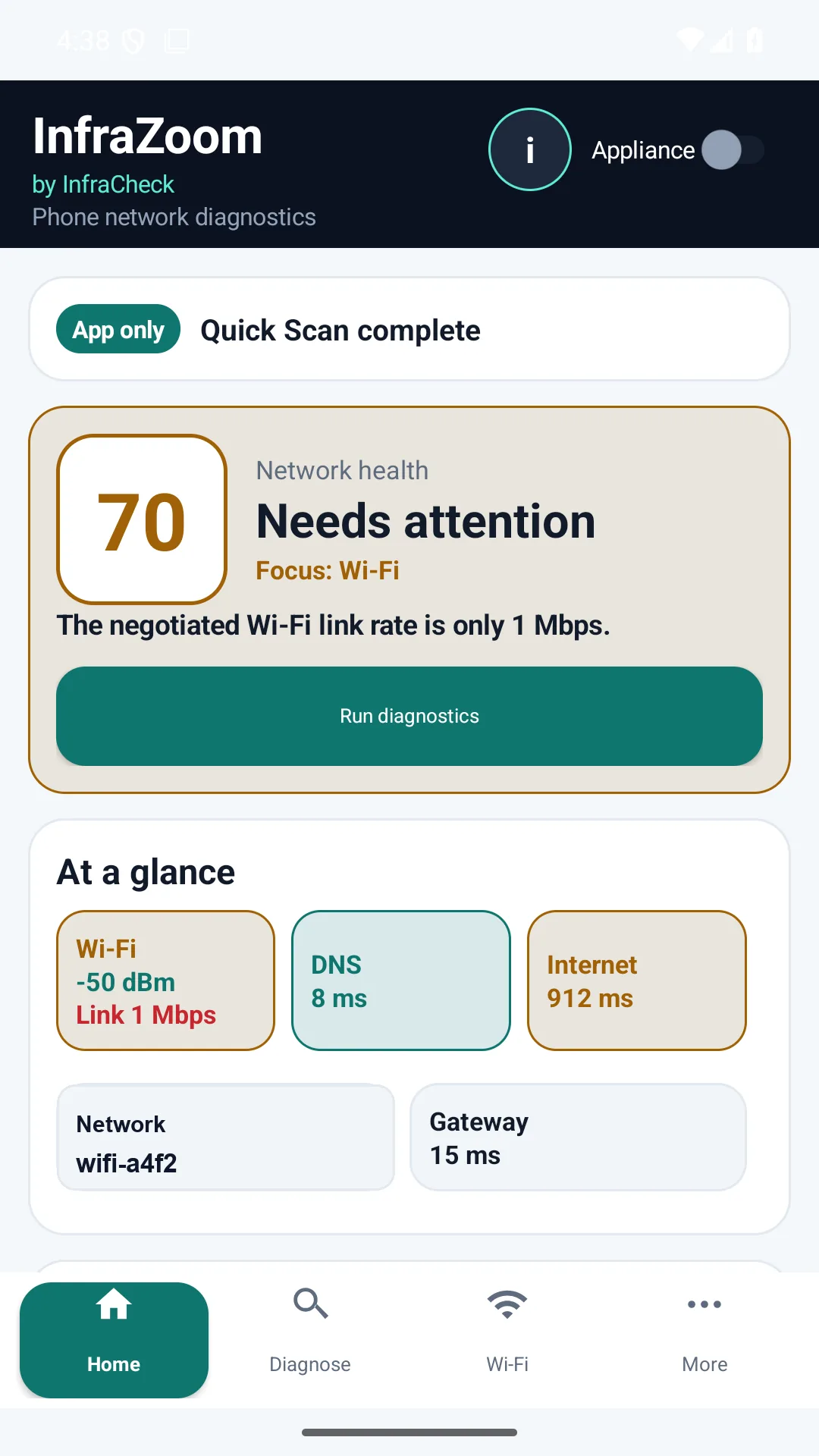
- Signal and link rate: confirm that the phone or PC has enough signal and a usable Wi-Fi link.
- Gateway latency: check whether the local router is slow before blaming the internet connection.
- DNS response: detect slow or failing name resolution that can make browsing feel broken.
- HTTP reachability: verify whether the device can reach a public web endpoint.
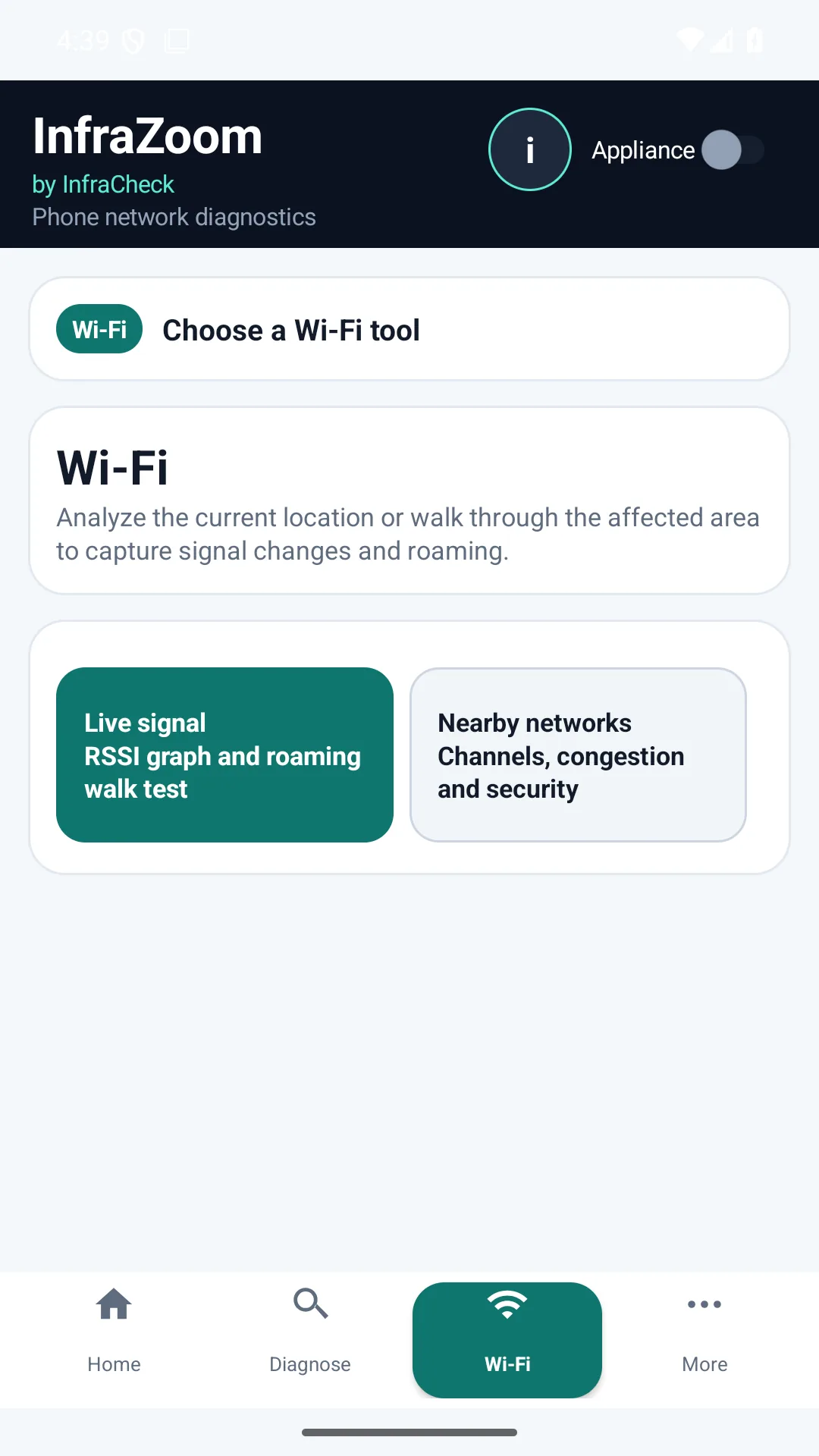
- Nearby networks: identify congestion, same-channel neighbors and strong nearby access points.
When to add the appliance
For occasional home checks, the Android or Windows app may be enough. Add the free local appliance when you want continuous history, LAN inventory, packet loss checks, reports, or proof that a problem happened while you were not watching.