Wi-Fi quality test
Test Wi-Fi quality with signal, stability and service evidence, not only Mbps.
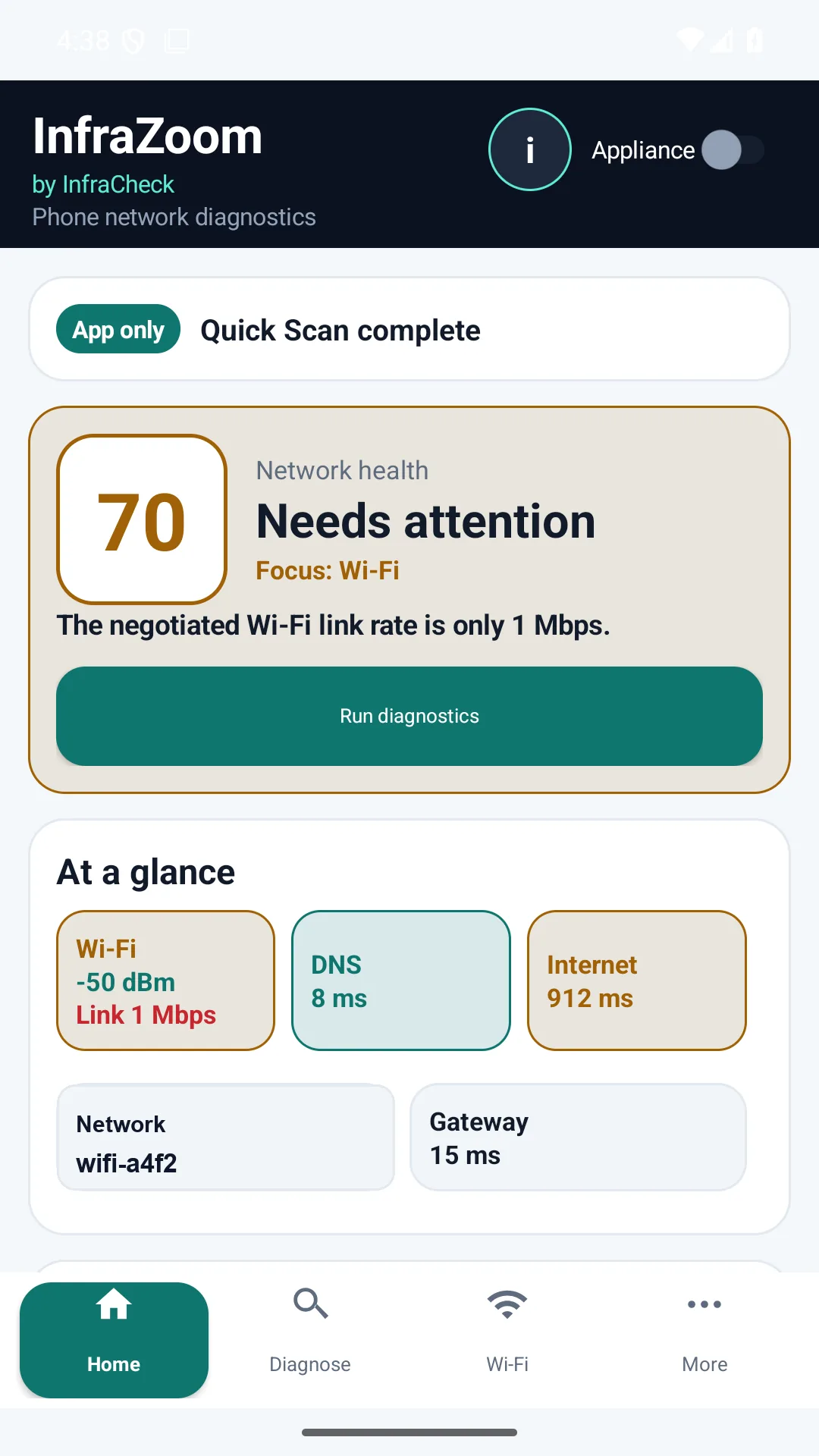
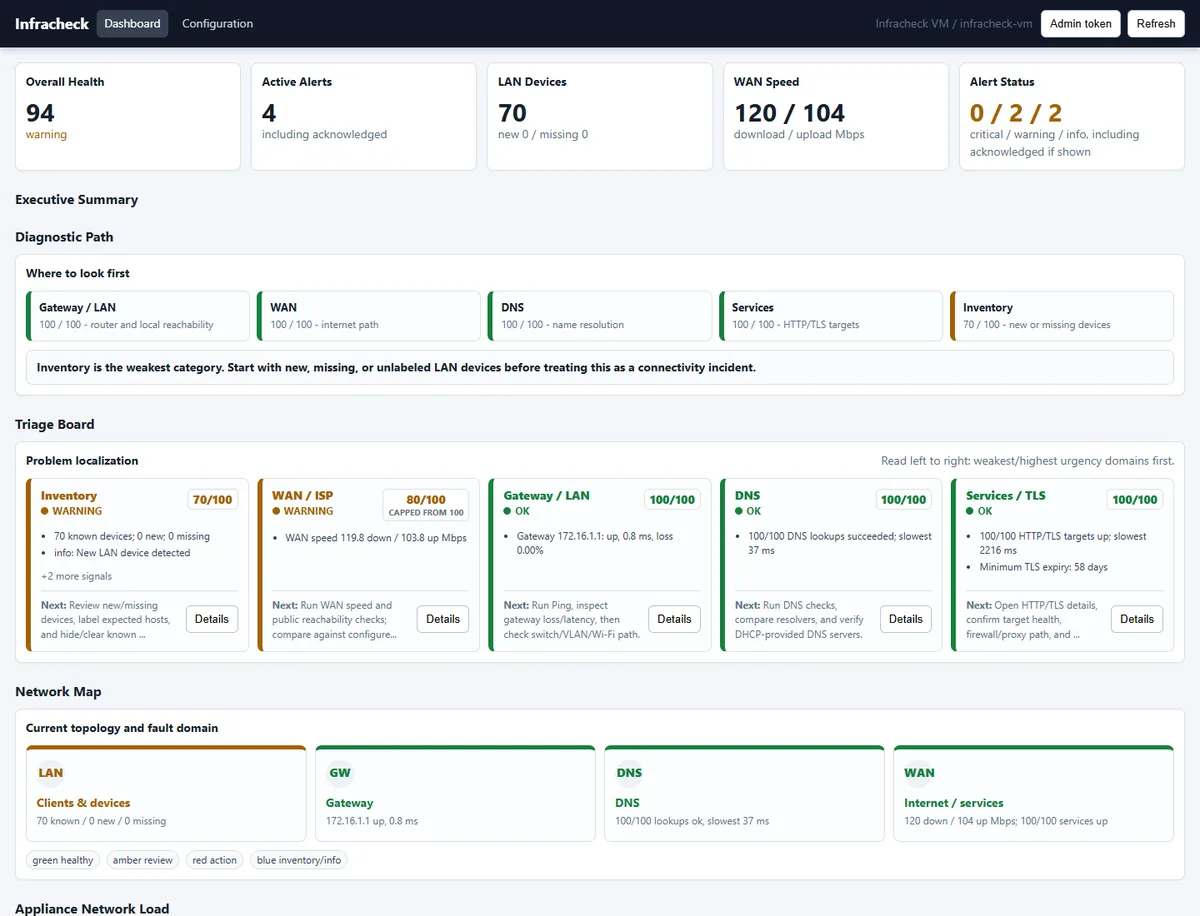
Infracheck helps home users, technicians and IT teams understand whether a Wi-Fi complaint is caused by weak signal, local gateway issues, DNS, packet loss, high latency, HTTP/TLS response time or a wider site problem.
What a useful Wi-Fi quality test checks
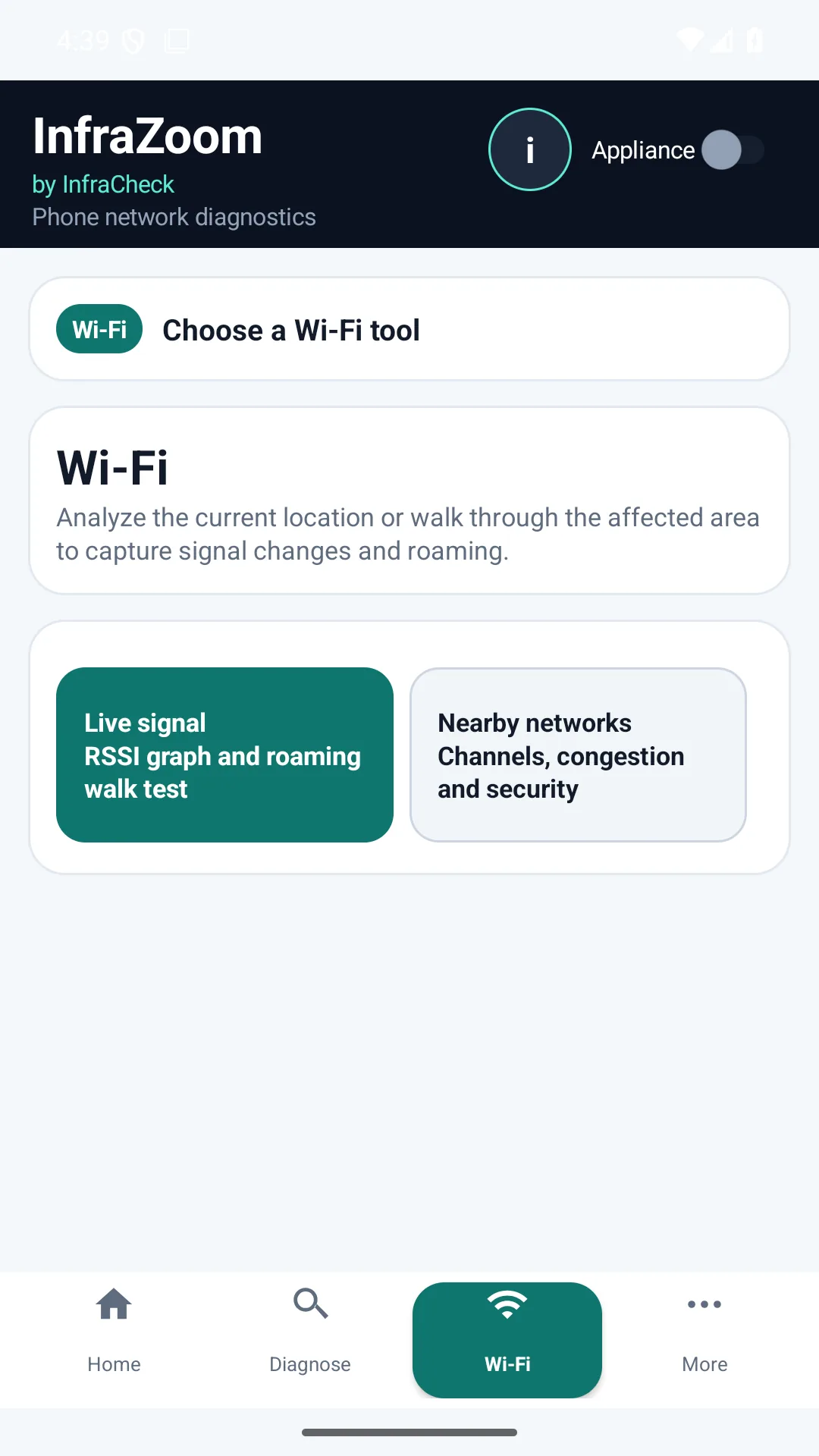
- Signal and link context: SSID, BSSID, RSSI, band, channel, link speed and nearby networks where the platform allows it.
- Local path: gateway reachability, local IP/DHCP context and whether the user device has a valid route.
- Internet quality: latency, jitter, packet loss, DNS response and HTTP/TLS response time.
- Evidence: saved history, screenshots or PDF output that can be attached to a support ticket.
App Only vs App + Appliance
App Only is best for a quick phone or PC check from the user location. App + Appliance is best when the issue is intermittent or when the site needs ongoing local monitoring from inside the LAN. The free appliance helps prove whether a symptom is only on one client or visible across the site.
Common scenarios
- A home user wants to check whether slow Wi-Fi is signal, DNS or ISP related.
- A technician needs evidence before moving an access point or replacing a router.
- An MSP needs before/after proof for a customer site with random video-call drops.
- An office wants a repeatable health report instead of isolated speed-test screenshots.