Wi-Fi roaming
Capture roaming evidence when users say Wi-Fi drops while moving.
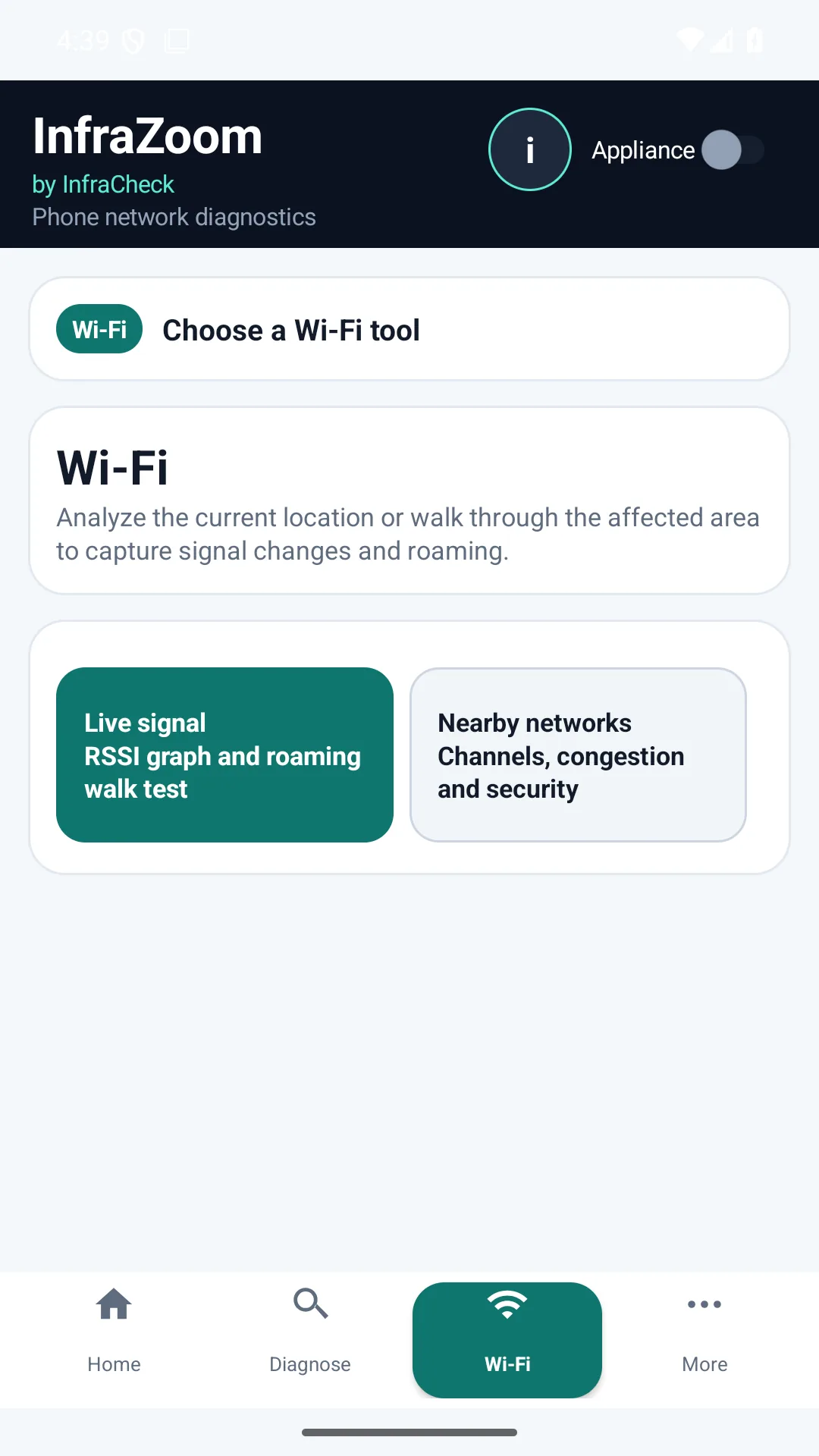
Roaming problems are hard to diagnose from a static dashboard. InfraZoom by Infracheck records the phone-side view during a walk test so technicians can explain what changed and where.
Evidence to capture
- RSSI changes while walking through rooms, desks or customer areas.
- BSSID changes that show whether the phone moved between access points.
- Channel and band context for the connected Wi-Fi network.
- Nearby strong networks that may create interference or airtime pressure.
- Timestamped findings that can be included in support output or reports.
When to pair with the appliance
Pair the phone with the local appliance when you need to prove whether a roaming symptom is isolated to the client location or happens together with site-wide WAN, DNS or packet loss events.