Weak room or bad placement
If signal and link speed are weak only in one room, the fix may be router placement, mesh coverage, interference reduction or moving closer to the access point.
Home use
Infracheck helps you understand whether a home network problem is weak Wi-Fi, channel congestion, DNS, router reachability, captive portal behavior, packet loss, latency or the internet connection itself.
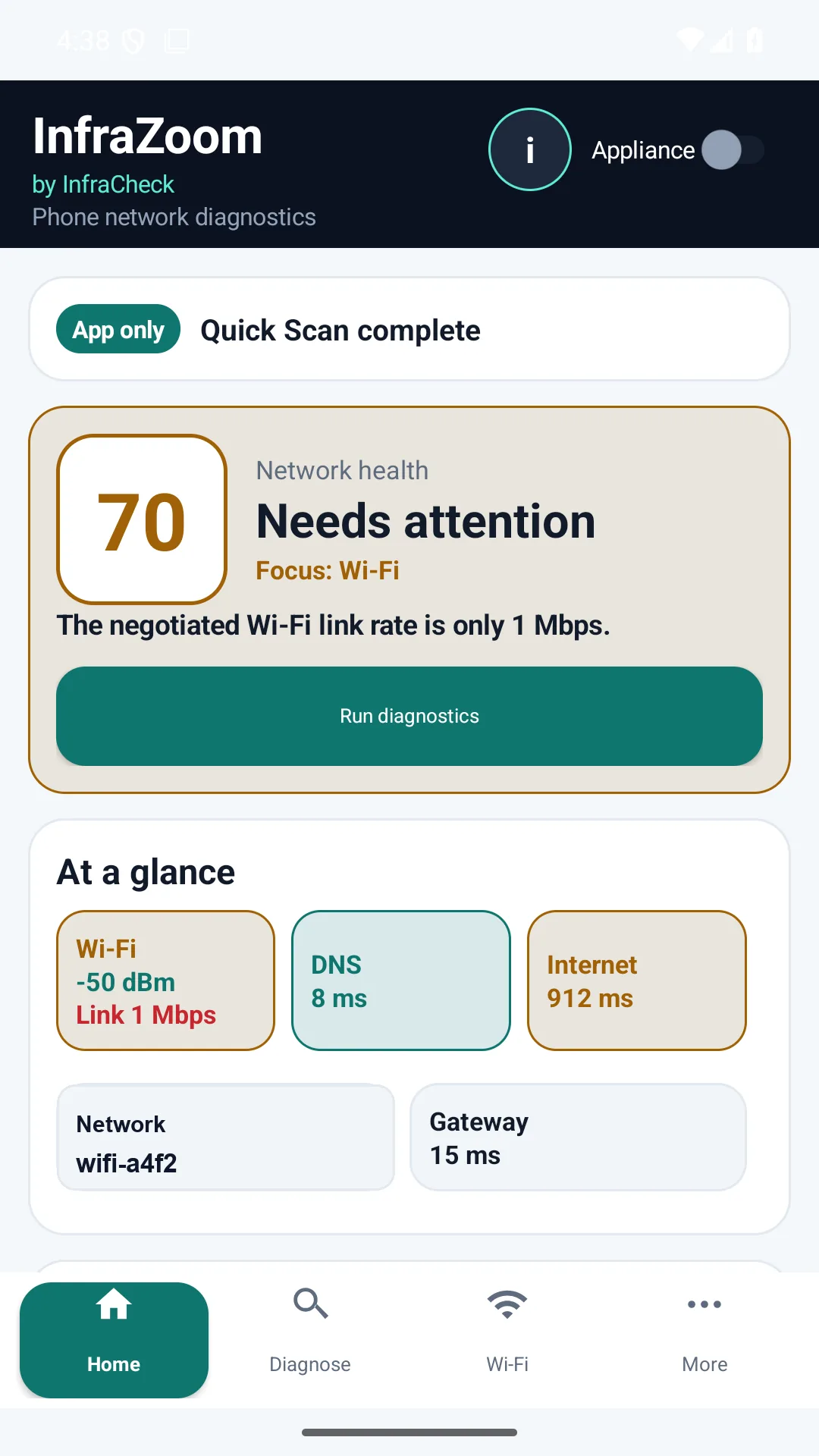
If signal and link speed are weak only in one room, the fix may be router placement, mesh coverage, interference reduction or moving closer to the access point.
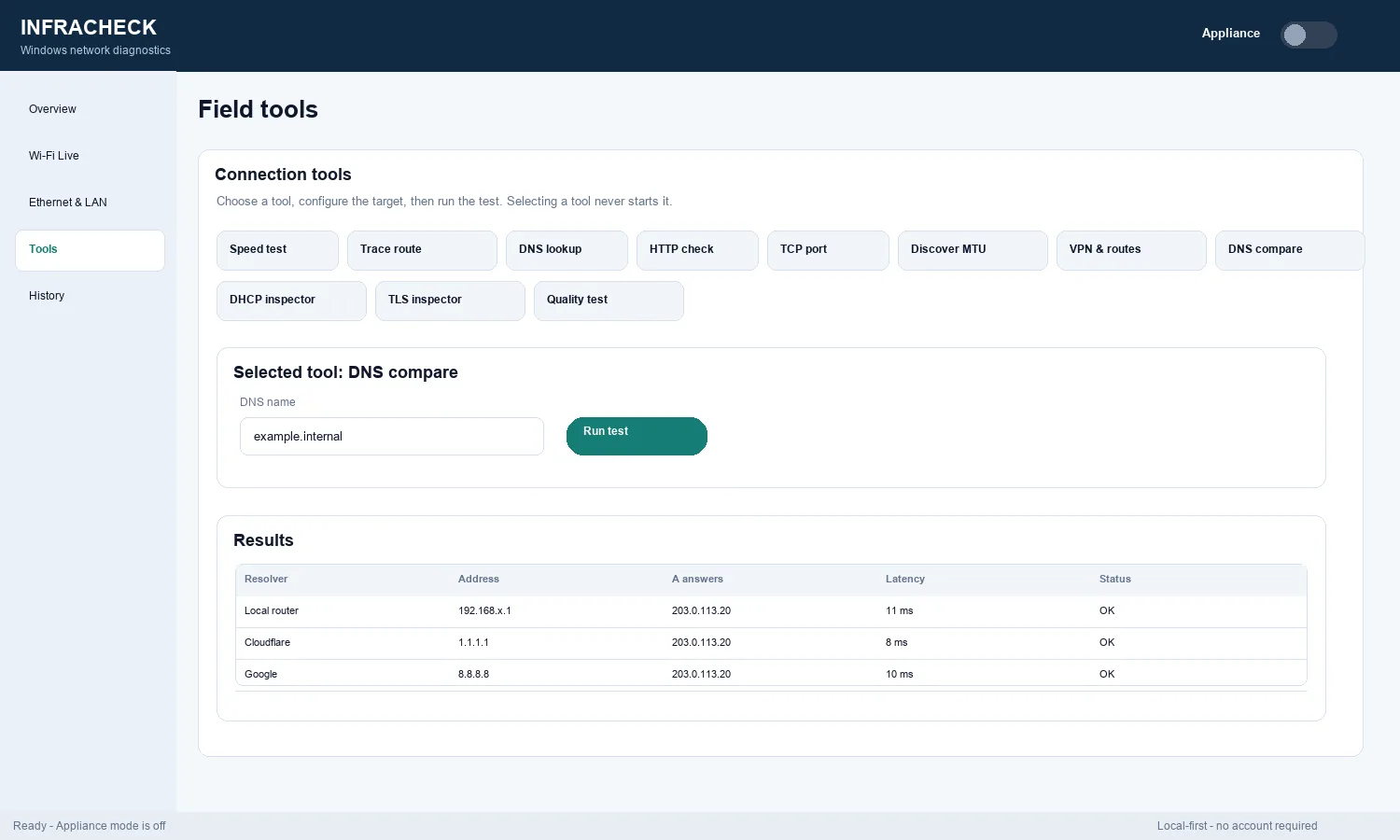
If Wi-Fi signal is acceptable but DNS is slow or failing, the problem may be resolver configuration, router DNS forwarding or ISP DNS behavior.
If the gateway is unstable, the issue is likely local: router, access point, cable, power, DHCP or a client connection problem.
If local checks look healthy but internet checks show packet loss, latency or HTTP failures, you have stronger evidence before contacting the provider.
The appliance is optional for home use. Add it only if you want continuous local history, recurring checks, reports, LAN visibility or proof of intermittent problems that happen when you are not actively testing.
Home Wi-Fi checks, remote work problems, video-call drops, gaming latency, router troubleshooting, DNS issues, weak rooms, and “is it my Wi-Fi or my ISP?” questions.
Check signal, DNS, latency, jitter, packet loss and HTTP/TLS evidence beyond raw speed.
Work through common home Wi-Fi causes before replacing equipment.
Use the existing home Wi-Fi checklist for signal, gateway, DNS and internet delay.
Use the same product for support-ready evidence, customer reports and appliance telemetry.
Get InfraZoom on Google Play Other downloads See all scenarios