First-visit evidence
Capture what the user device sees at the complaint location: Wi-Fi, Ethernet, gateway, DNS, HTTP/TLS, route, captive portal behavior and local symptoms.
Professional use
Infracheck gives professional users a repeatable way to collect user-side evidence from Android or Windows, then compare it with site-side telemetry from the free local appliance when continuous monitoring is needed.
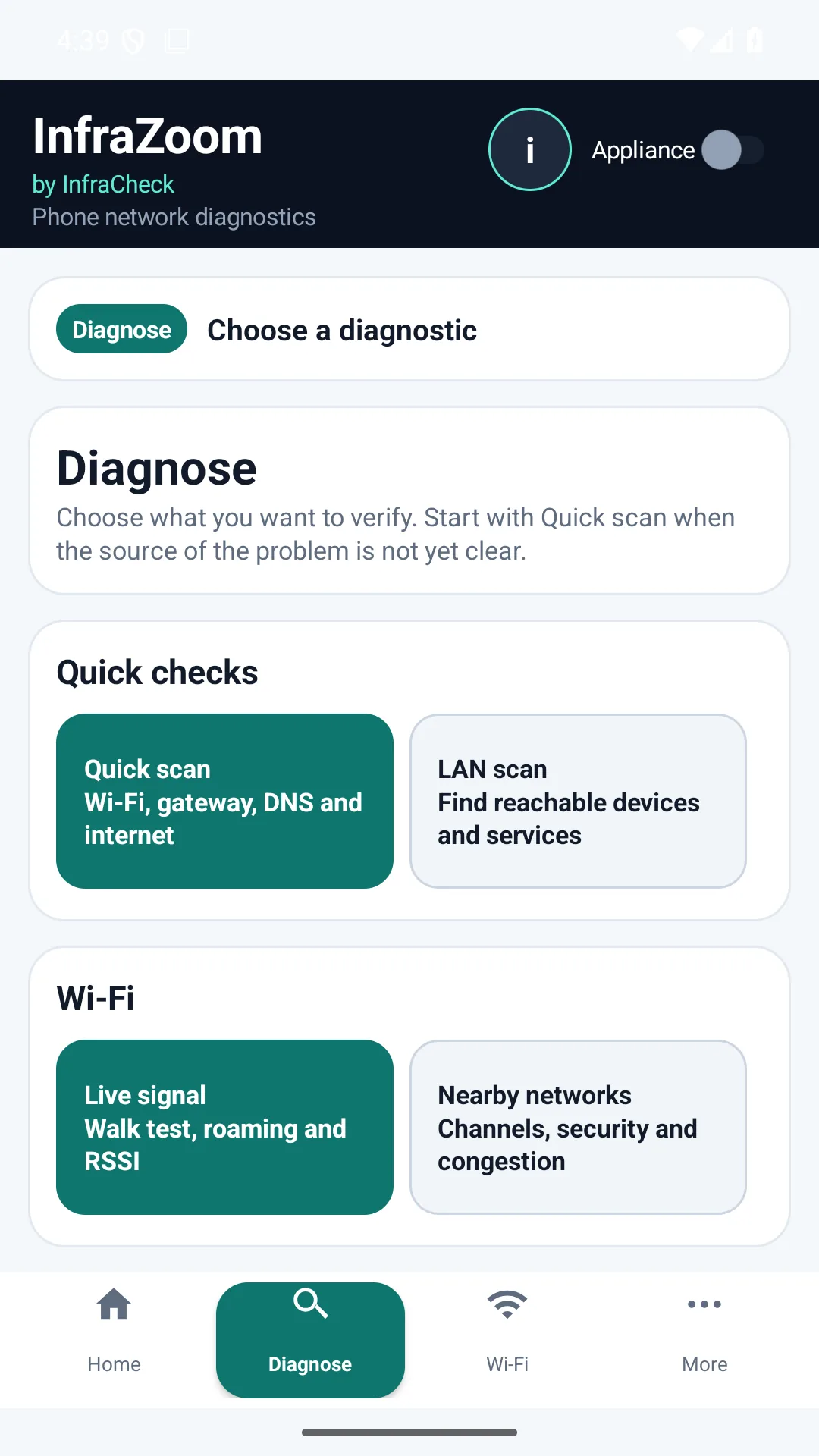
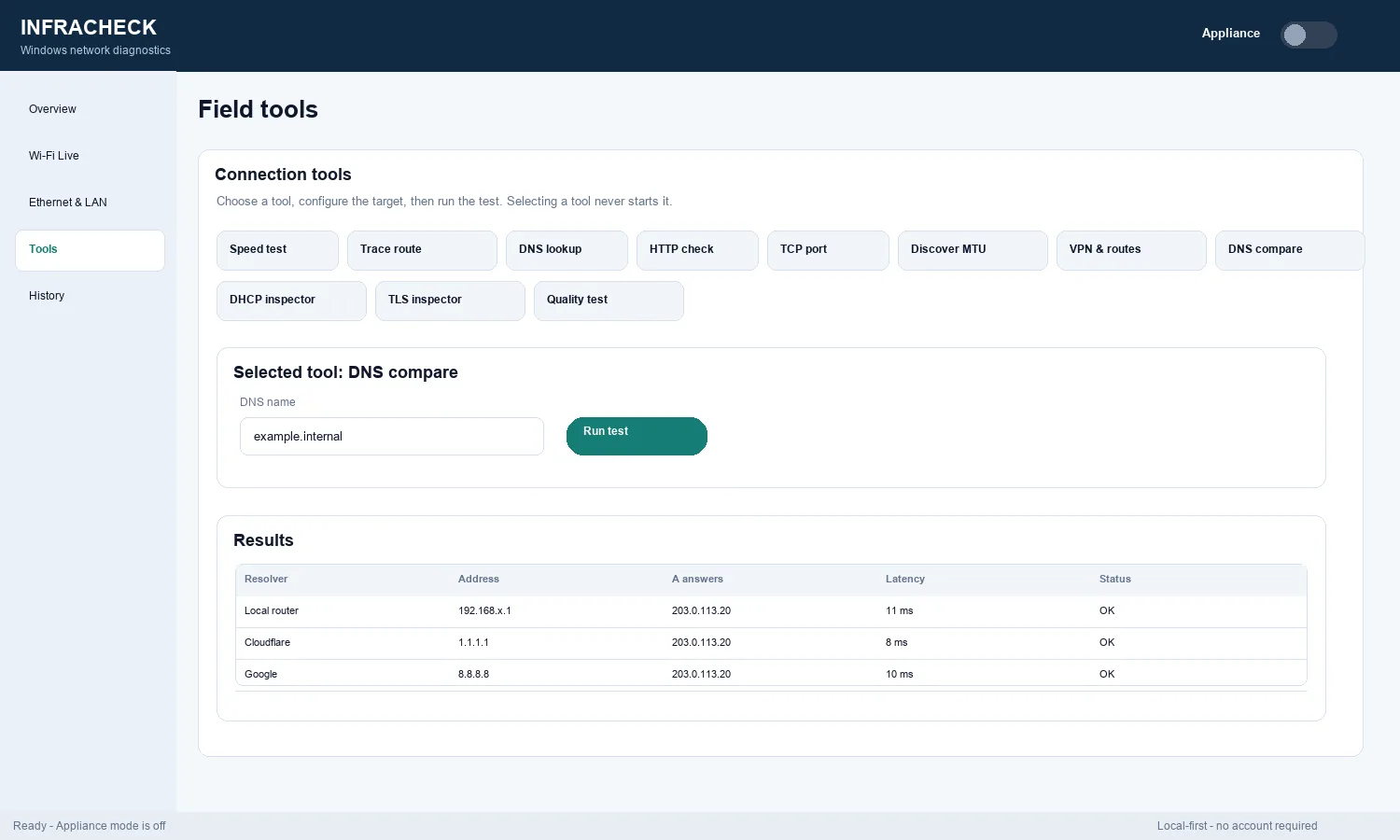
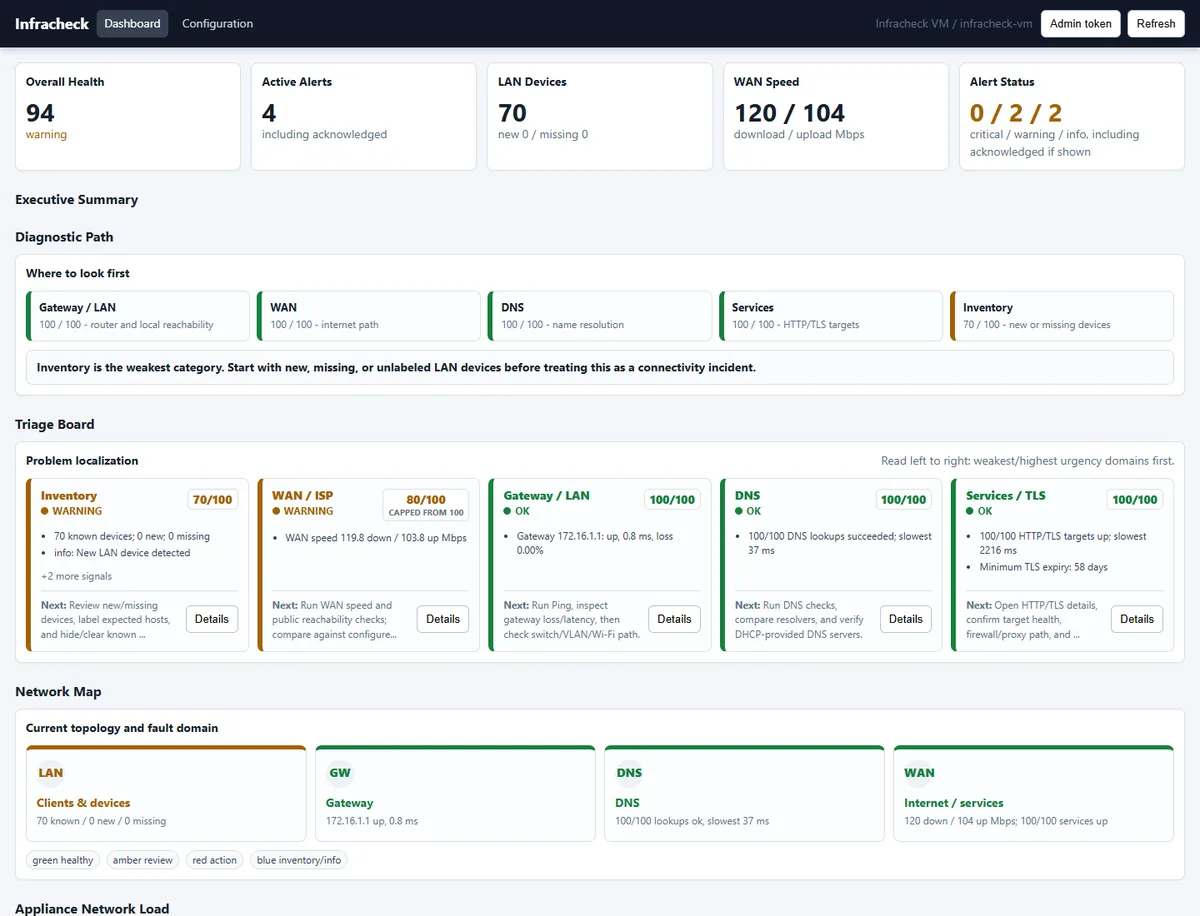
Capture what the user device sees at the complaint location: Wi-Fi, Ethernet, gateway, DNS, HTTP/TLS, route, captive portal behavior and local symptoms.
Use the Windows app for adapter details, safe LAN discovery, DNS comparison, TCP/TLS checks, DHCP, VPN/routes, local history and PDF evidence.
Deploy the free appliance when the site needs continuous local WAN, DNS, HTTP/TLS, packet loss, LAN visibility, alerts and recurring reports.
Turn diagnostic results into readable proof for support tickets, customer conversations, account reviews or escalation to an ISP/vendor.
The free app and appliance remain useful independently. Premium is planned as a paid, self-hosted license for organizations that need multiple appliance instances, centralized portal, alert routing, white label reports, roles, API access and webhooks.
MSP customer sites, small business networks, branch offices, helpdesk escalation, field technician visits, Wi-Fi complaints, WAN/DNS incidents, and support reviews where evidence matters.
Separate client-side, Wi-Fi-side, LAN-side and upstream faults with repeatable checks.
Add persistent local telemetry, WAN checks, LAN visibility, alerts and reports.
Turn diagnostic findings into readable proof for tickets, customers and support reviews.
See how the same apps are explained for end users checking their own Wi-Fi.
Get InfraZoom on Google Play Other downloads See all scenarios